> ## Documentation Index
> Fetch the complete documentation index at: https://koreai-content-gov.mintlify.site/llms.txt
> Use this file to discover all available pages before exploring further.
# Agent AI Upgrade from XO10 to XO11
This document provides step-by-step instructions to upgrade your Agent AI account to XO v11.
**Prerequisites**
* A valid Agent AI account.
* Bot Owner access is required to upgrade.
## What Changes
### Bot to App Transition
Agent AI bot and child bots become individual Apps in XO v11.
## Upgrade Journey from Agent AI XO10 to XO v11
### Upgrade Notification
1. Sign in to **Agent AI** > **Configurations**. A notification appears at the top of the screen.
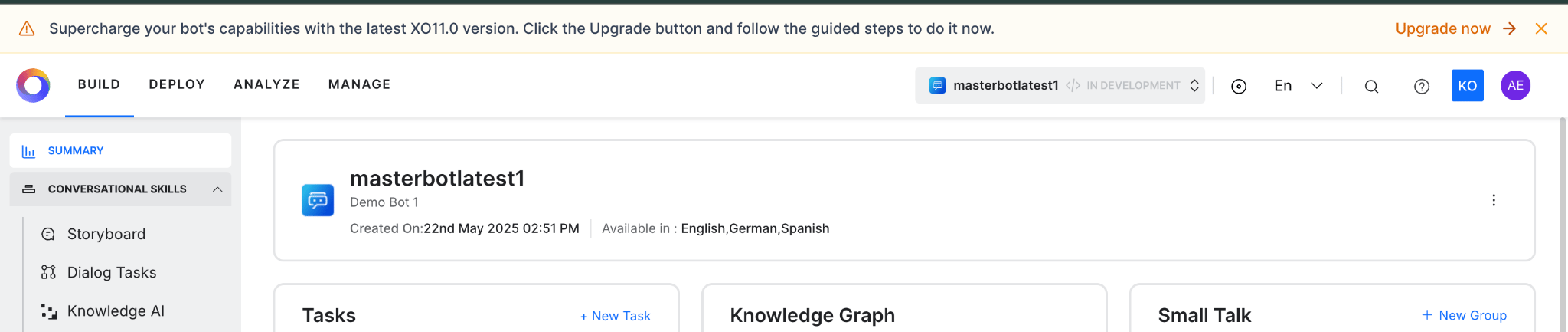 2. Click **Go to XO11** to start the upgrade.
!!! note
Only bot owners can upgrade Agent AI bots and child bots.
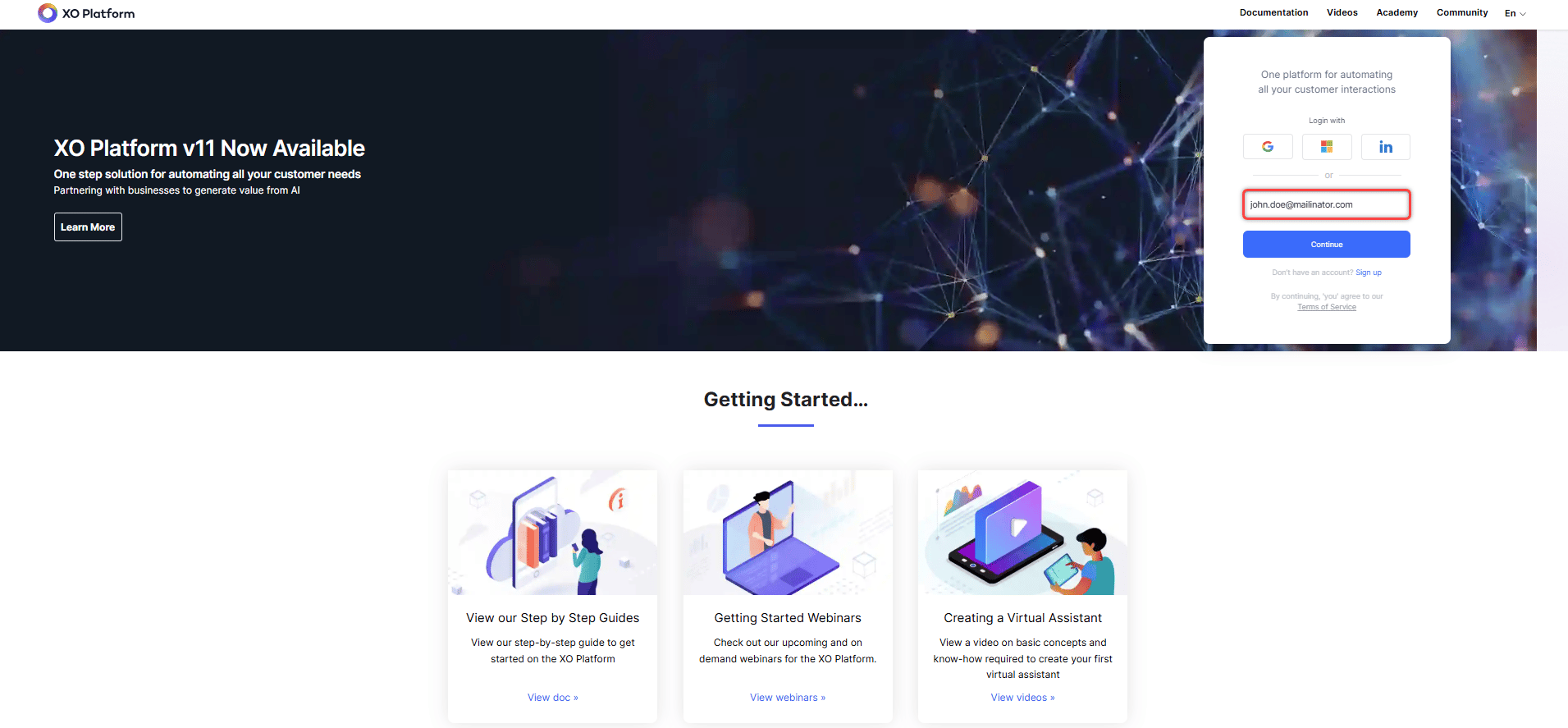
3. Sign in to [XO v11](https://platform.kore.ai/) using your Agent AI credentials.
2. Click **Go to XO11** to start the upgrade.
!!! note
Only bot owners can upgrade Agent AI bots and child bots.
3. Sign in to [XO v11](https://platform.kore.ai/) using your Agent AI credentials.
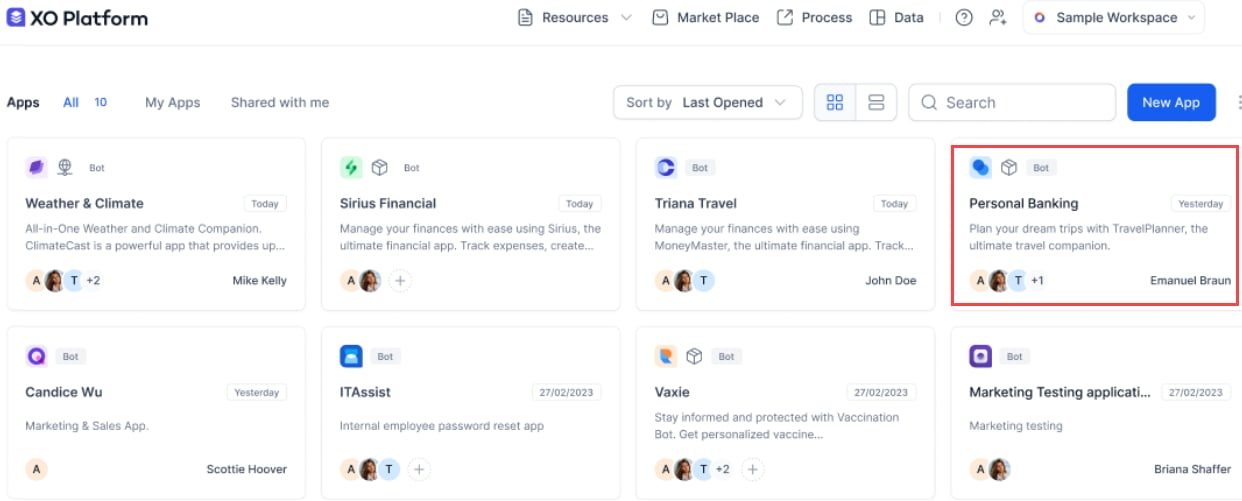
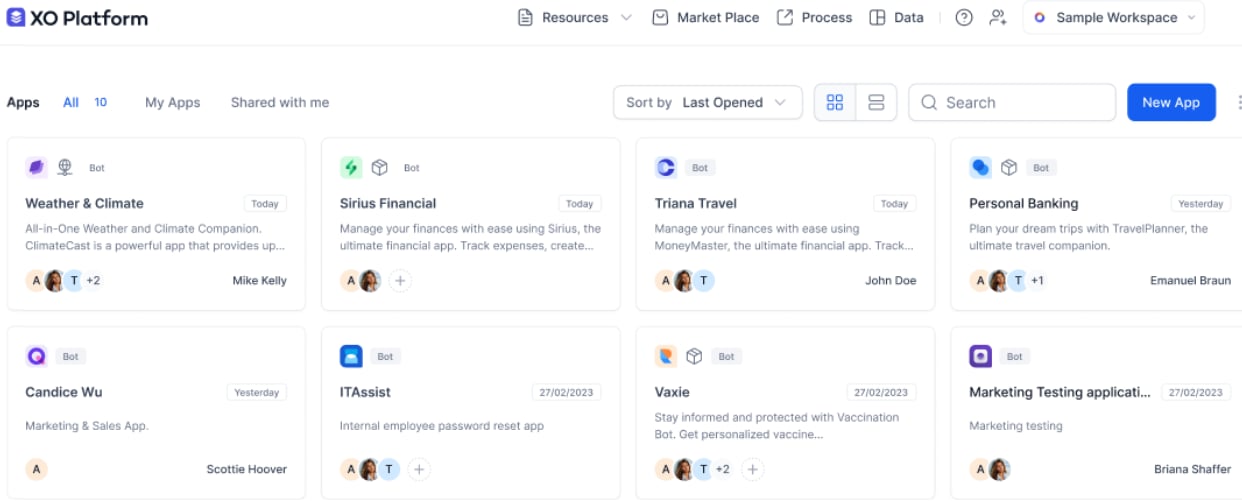
 4. All apps (Agent AI and automation bots) are displayed. Click the **Agent AI bot** to upgrade it to an App in XO v11.
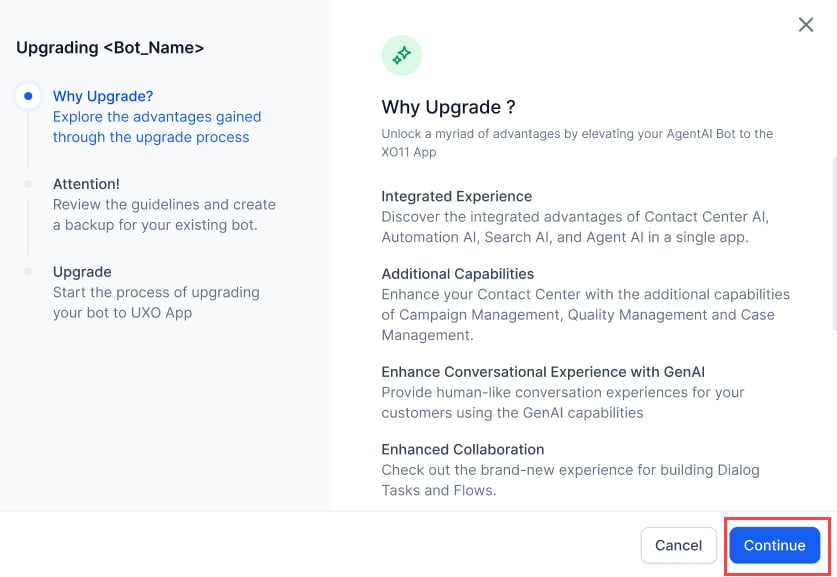
 5. A pop-up appears with **Why Upgrade?**, **Attention!**, and **Upgrade** options. Click **Continue**.
 6. Review the guidelines, download and back up your Agent AI bot, then click **Start Upgrade**.
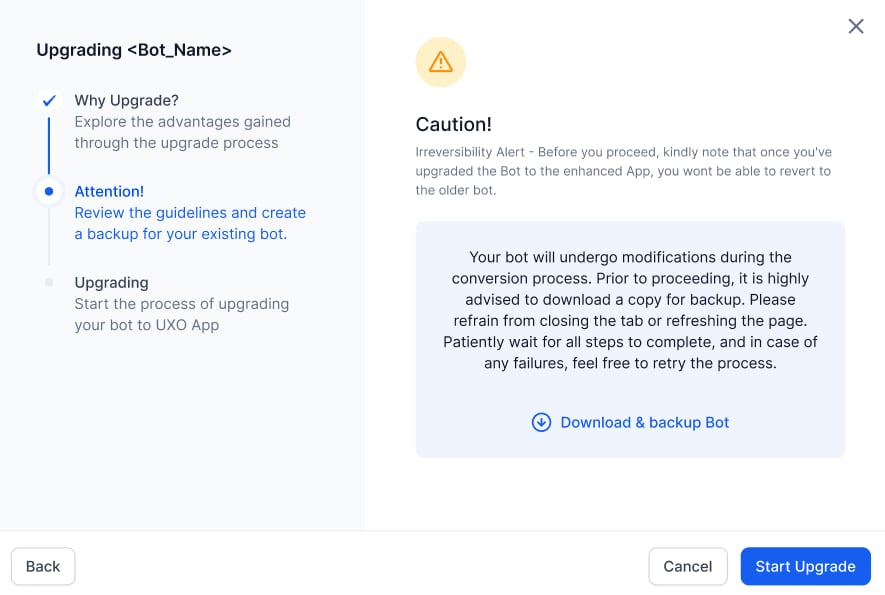 The backup contains only the bot definition.
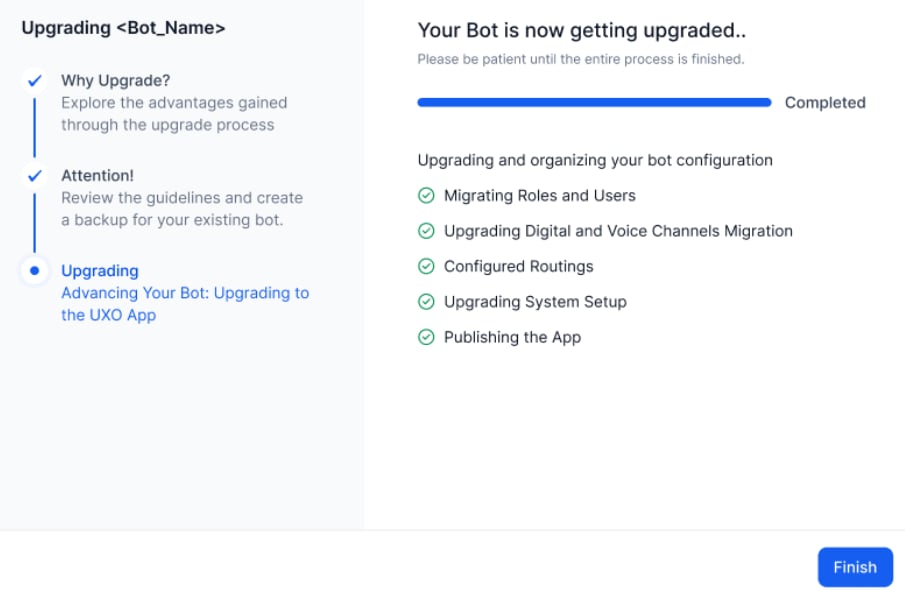
7. A progress bar appears. Click **Finish** when complete.
The backup contains only the bot definition.
7. A progress bar appears. Click **Finish** when complete.
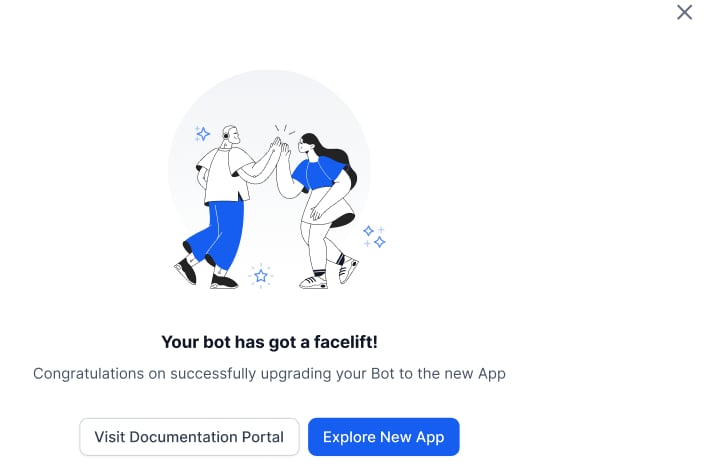
 8. A success message confirms the upgrade. The Agent AI bot is now an App in XO v11.
 ### Upgrade Failure
If an error occurs, the system stops the upgrade and lets you revert it.
1. An error notification appears in the upgrade window.
### Upgrade Failure
If an error occurs, the system stops the upgrade and lets you revert it.
1. An error notification appears in the upgrade window.
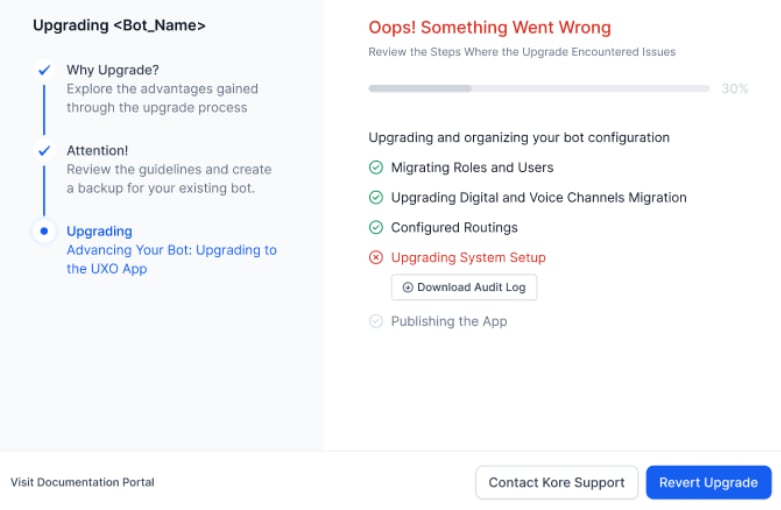 2. Click **Revert Upgrade**. You are redirected to the XO v11 home page.
 ***
**Related Links**
* [Benefits of XO v11](/ai-for-service/getting-started/benefits-xo11)
***
**Related Links**
* [Benefits of XO v11](/ai-for-service/getting-started/benefits-xo11)